KAVAN V20 - Updating the firmware
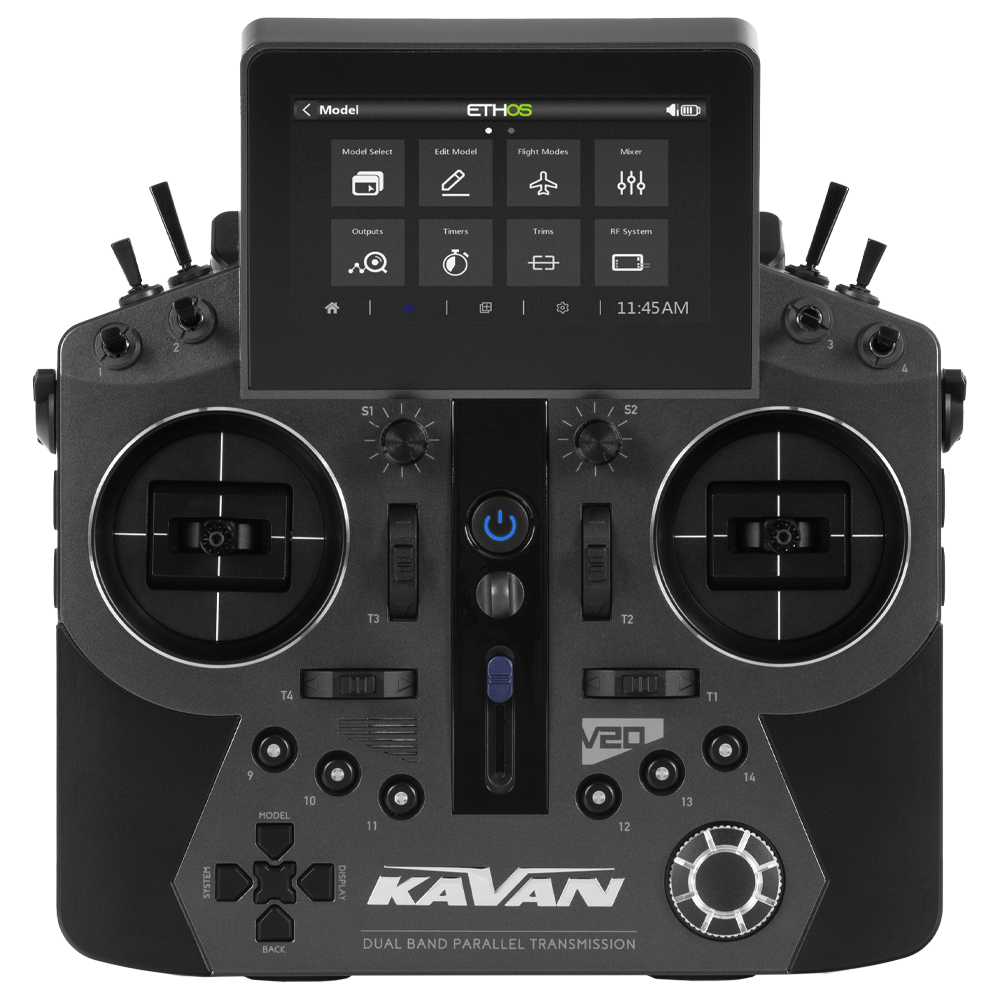
KAV16.1001
KAVAN V20 - grey
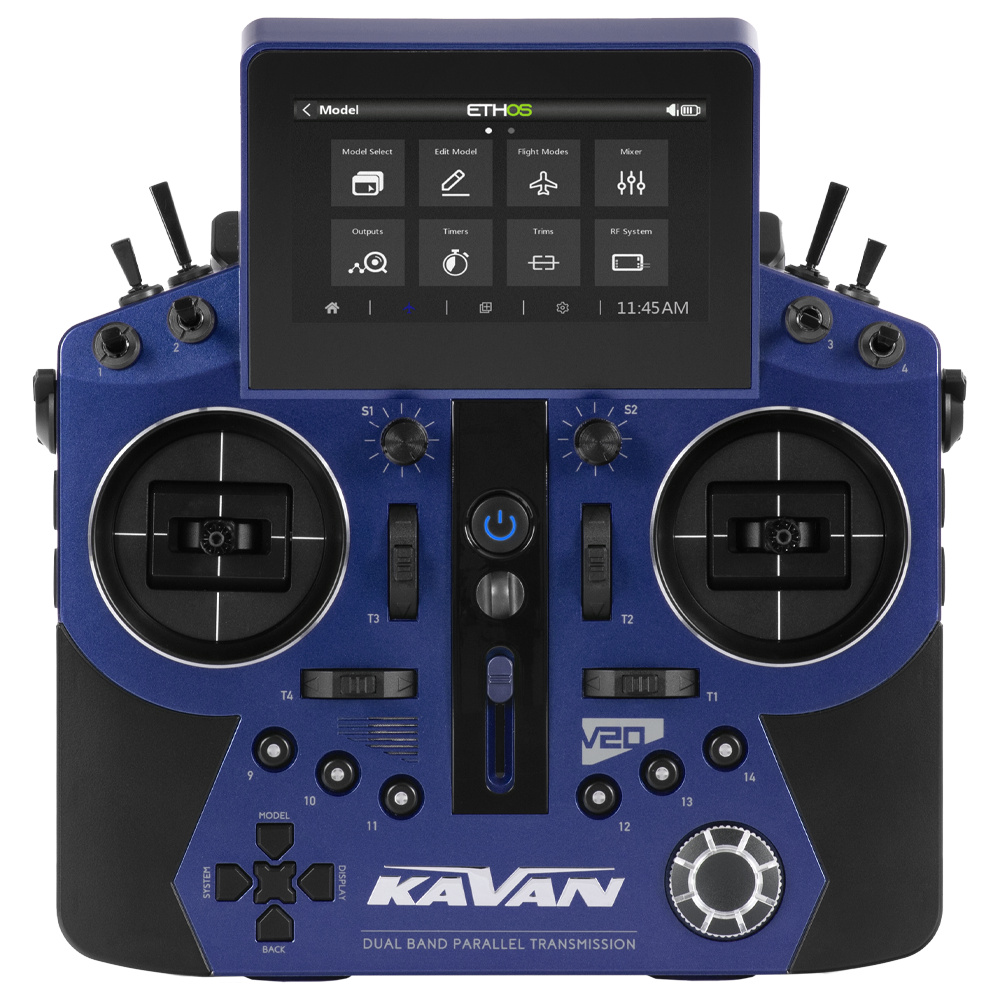
KAV16.1002
KAVAN V20 - blue
Introduction
Use ETHOS Suite to update the KAVAN V20 firmware and related components. This guide preserves the legacy Suite workflow; screen labels can differ in newer releases.
You need a computer, a USB-C data cable and ETHOS Suite. Advanced users can consult the official releases.
Attention
Back up models, radio settings and storage before updating. Use the exact KAVAN transmitter variant and its supported upgrade path; check bootloader, RF-module and receiver compatibility. Keep the model off. Do not disconnect power or USB while writing.
Main section
- Start the V20 in bootloader mode: hold the multifunction knob, ENTER, while pressing the power button.
- Start ETHOS Suite on the computer.
- Connect the V20 by USB-C. Wait for automatic detection and verify that the detected transmitter is the correct model.
- Open the ETHOS menu in the left sidebar.
- Select the required interface and audio languages.
- Verify the selected release and components, then use the download/write control beside WRITE OUTDATED COMPONENTS in the legacy interface. Follow the installed Suite version’s instructions if its controls differ.
- Wait until all writes have completed successfully. Resolve any error before disconnecting or using the transmitter.
- Select EJECT DRIVES and wait for safe removal.
- Disconnect the USB cable and turn the transmitter off.
- Restart normally and verify the installed version, settings and model memories. With propulsion disabled, check controls, directions, travel and failsafe; complete the transmitter and receiver range checks before flying.